Help with themes
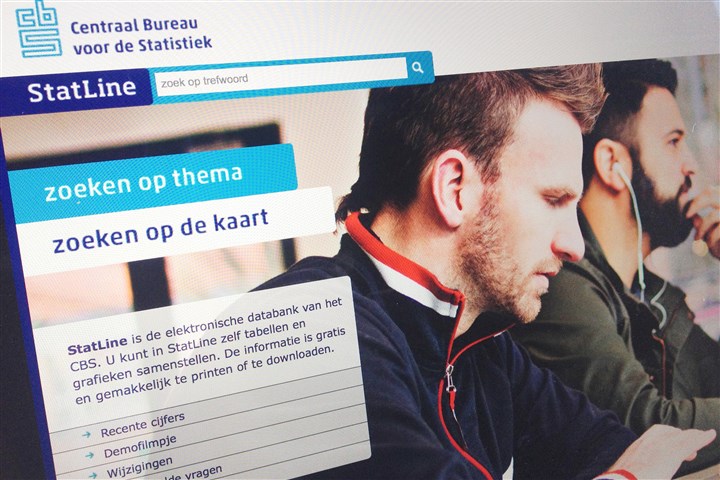
StatLine tables are categorised into 24 themes. These are shown in the column on the left. If you click on one of these themes, its background will become blue and the contents will be shown in the column to the right: sub-themes and tables.
Themes and sub-themes are represented by a folder. 
Tables are represented by a table. 
Keeping the mouse on a table will generate a text block with a short description of the table. Some folders with tables also have a description.
Select a table by clicking on it, giving it a blue background. It will then open in the selection screen, where you can choose subjects and classifications from the table.