How can I change the data presented on screen?
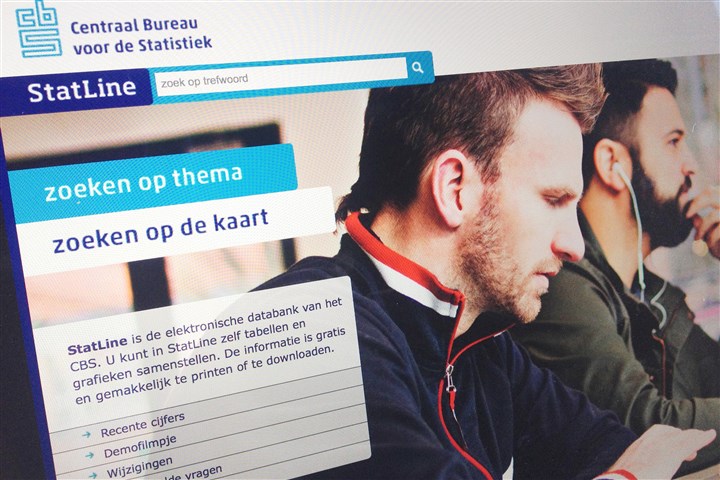
By clicking on the filter icon, you can make different selections.
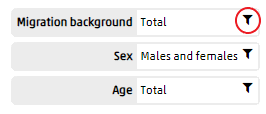
Each table has its own pre-set presentation. A table shown on the screen usually contains only some of the available data. It is possible to select only those items you are interested in by using the filters.
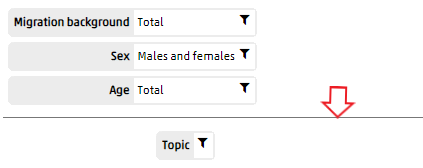
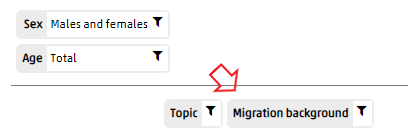
Sometimes, the data selection is presented above the grey line. This means only one item is presented in the table. By dragging blocks beneath the grey line, you will be able to select more options from the list. To display multiple items from the selection, these have to be dragged down to underneath the grey line. You may also drag items from row to column or vice versa.
More information on the possibilities can be found in our demo videos and user manual.